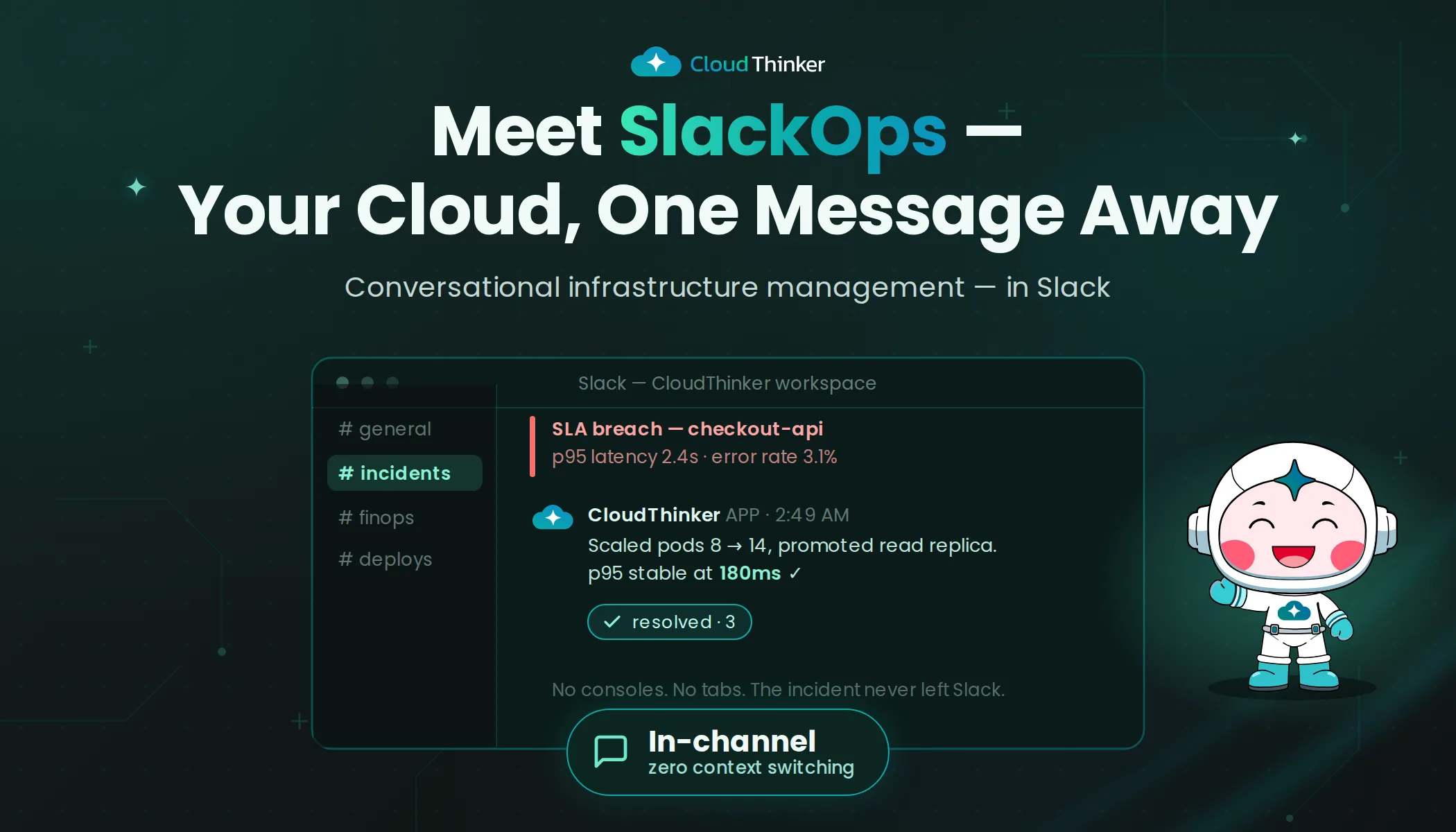
Introducing CloudThinker SlackOps: The Future of Conversational Infrastructure Management
Fourteen browser tabs. Three terminal windows. Two Slack channels. One frantic on-call engineer.
It was 2:47 AM when the PagerDuty alert fired. A latency spike in the payment service was cascading across the checkout flow, and customers were starting to see timeout errors. James, the SRE on call at a mid-size e-commerce company, did what every on-call engineer does: he started opening tabs.
CloudWatch for metrics. Grafana for dashboards. The AWS console for instance health. Datadog for traces. Kibana for logs. The deployment pipeline to check if something had shipped. The runbook wiki, which loaded slowly and turned out to be six months outdated.
Then the Slack messages started. The customer support lead asking what was happening. The VP of Engineering asking for an ETA. A developer on another team mentioning they had seen "something weird" earlier but did not file a ticket.
The incident took 47 minutes to resolve. But when James reviewed the timeline afterward, only 8 minutes were spent on actual investigation and remediation. The other 39 minutes were consumed by context-switching: jumping between tools, searching for the right dashboard, correlating timestamps across systems, and explaining the situation in two different Slack channels while simultaneously trying to fix it.
This is the hidden cost of modern cloud operations. Not the incidents themselves, but the cognitive overhead of managing them across a fragmented tool landscape.
The Evolution of Cloud Operations
The journey from scattered dashboards to intelligent operations follows a pattern that most organizations will recognize:
Traditional Operations
Cloud Operations
ChatOps
SlackOps with AI
CloudThinker SlackOps represents the next evolutionary step
James's 47-minute incident is a textbook example of what happens in stage two or three of this evolution: the tools exist, the data exists, but the intelligence to connect them does not. Every alert requires a human to be the integration layer, mentally correlating data from six different platforms while simultaneously communicating status and executing fixes.
The question that drove CloudThinker SlackOps was simple: what if the integration layer was intelligent? What if, instead of an engineer opening fourteen tabs, the tabs came to the engineer, pre-correlated, with analysis already in progress?
Meet Your AI-Powered Operations Team
Game-Changing Capability
Proactive Intelligence
AI-First Operations
Autonomous Remediation
Self-Healing Systems
Strategic Planning
Expert-Level Insights
Think of these agents as the specialized team members who are always available, always current on your infrastructure state, and never need to context-switch. When James's latency alert fired, a human engineer had to manually check metrics, pull logs, review recent deployments, and assess blast radius. An AI operations team does all of that concurrently, in the platform where the team is already communicating.
Multi-Agent Collaboration in Action
The real power is not any single agent. It is what happens when they work together.
Consider what James's 2:47 AM incident looks like with SlackOps. The alert fires. Within seconds, a cost agent has checked whether any new resources were provisioned that correlate with the timing. A security agent has verified that no unauthorized access patterns preceded the anomaly. An infrastructure agent has pulled the relevant metrics and identified the specific service and region affected. And all of this context appears in a single Slack thread, formatted for immediate action.
The Power of Teamwork
Real-World Scenario: Traffic Surge Management
Consider a high-traffic event requiring coordinated response across multiple infrastructure layers:
System Alert: API response times exceeding SLA thresholds

Team Lead: @kai @tony @alex investigate performance degradation

[Coordinated Analysis - 2 minutes]
Kai: 🔍 EKS cluster at 87% CPU utilization - scaling pods
Tony: 💾 Database connection pool saturation detected
Alex: 📈 Traffic spike: 6x normal load from marketing campaign

[Coordinated Resolution - 5 minutes]
Kai: ✅ Horizontal pod autoscaler activated: 8→24 pods
Tony: ⚡ Read replica promotion and connection pool optimization
Alex: 🚀 Auto-scaling group expansion: +12 EC2 instances

[Results - 8 minutes total resolution time]
✅ System performance restored to optimal levels
📊 API response time: 95th percentile <200ms
💰 Revenue protection: Estimated $89K in preserved transactions
The 39 minutes James spent context-switching, searching for dashboards, and correlating timestamps? That collapses to seconds. The engineer's job shifts from being a human integration layer to being a decision-maker who reviews pre-analyzed context and approves or adjusts the recommended action.
Proactive Intelligence and Predictive Operations
But resolving incidents faster is only half the story. The more valuable shift is from reactive to proactive, catching problems before they become 2:47 AM alerts.
CloudThinker SlackOps continuously analyzes patterns across your infrastructure, building baselines for normal behavior and flagging deviations before they cascade into incidents:
Alex: 📊 Infrastructure Forecast - Next 30 Days

      📈 Predicted traffic growth: 40% increase expected
      🎯 Trigger point: Marketing campaign launch (Day 12)
      ⚡ Auto-scaling configuration updated proactively
      💰 Estimated cost impact: +$3.2K (vs $15K reactive scaling)

      🛠️ Recommendations implemented:
      → Pre-scaled database read replicas
      → CDN cache warming scheduled
      → Load balancer capacity increased
Oliver: 🛡️ Anomaly Detection Alert

        🔍 Unusual access pattern detected:
        → 47% increase in API calls from new geographic region
        → Authentication attempts outside normal business hours

        🚨 Risk assessment: Medium (monitoring enhanced)
        📋 Automated response: Rate limiting applied
        👁️ Continuous monitoring: Active for next 72 hours
Tony: ⚡ Predictive Maintenance Scheduled
📊 Performance trend analysis:
→ Query response time increasing 0.3% daily
→ Index fragmentation reaching threshold
🔧 Automated maintenance plan:
→ Scheduled for Sunday 3:00 AM (low traffic window)
→ Expected performance improvement: 42%
→ Zero downtime maintenance approach confirmedImagine getting a Slack message at 2 PM that says: "Based on current traffic patterns and resource utilization trends, the payment service is projected to hit memory limits within 6 hours. Recommended action: scale the service group from 3 to 5 instances." That is a message James reads during business hours, approves with a thumbs-up reaction, and never thinks about at 2:47 AM.
Continuous Learning and Adaptation
These agents are not static rule engines. They learn from every interaction with your specific environment:
- Pattern Recognition: Identifying recurring issues and proposing permanent solutions. If the same service hits memory limits every Thursday evening during batch processing, the agent learns the pattern and preemptively scales.
- Best Practice Evolution: Adapting recommendations based on your infrastructure's unique characteristics. An agent that manages a financial services environment learns different thresholds than one managing a media streaming platform.
- Collaborative Intelligence: Agents share context across domains. When the cost agent notices a spending anomaly, the infrastructure agent is already checking whether resource utilization justifies the increase.
Enterprise Benefits and ROI
For James's company, the impact was measurable within the first month:
⚡ Incident Response
Lightning-Fast Resolution
- 89% reduction in mean time to resolution (MTTR)
- 92% decrease in escalated incidents
- 76% improvement in first-call resolution rates
💰 Cost Optimization
Dramatic Cost Savings
- Average 34% reduction in cloud infrastructure costs
- 67% improvement in resource utilization efficiency
- 45% decrease in over-provisioned resources
🛡️ Security Posture
Bulletproof Security
- 94% reduction in security incident response time
- 100% compliance audit success rate
- 83% decrease in manual security tasks
🚀 Developer Productivity
Unleashed Development
- 43% increase in feature development velocity
- 71% reduction in operations-related interruptions
- 56% improvement in deployment success rates
But the number that mattered most to James was not on any dashboard. It was this: in the first month after deploying SlackOps, he was paged at 2 AM exactly zero times. Not because incidents stopped happening, but because the agents caught and resolved the predictable ones before they escalated, and gave him enough context on the unpredictable ones that resolution happened in minutes, not hours.
"I used to dread on-call weeks," James said during the team retrospective. "Now it is just a week where I check Slack a bit more often."
CloudThinker SlackOps: Where Artificial Intelligence meets Operational Excellence. Transform your Slack workspace into an autonomous operations center with AI agents that understand your infrastructure, anticipate problems, and deliver results 24/7.