CloudThinker × Rollbar: From Error Detected to Issue Resolved in 3 Steps
Rollbar gives engineering teams an early, structured view of what is breaking in production. But detecting an error is only the beginning. Someone still has to decide whether it matters, find the change that caused it, create a fix, and confirm that the error does not come back.
The CloudThinker integration closes that gap. It connects Rollbar's error intelligence with the code, infrastructure, and delivery context needed to move from an Item was created to the issue is resolved.
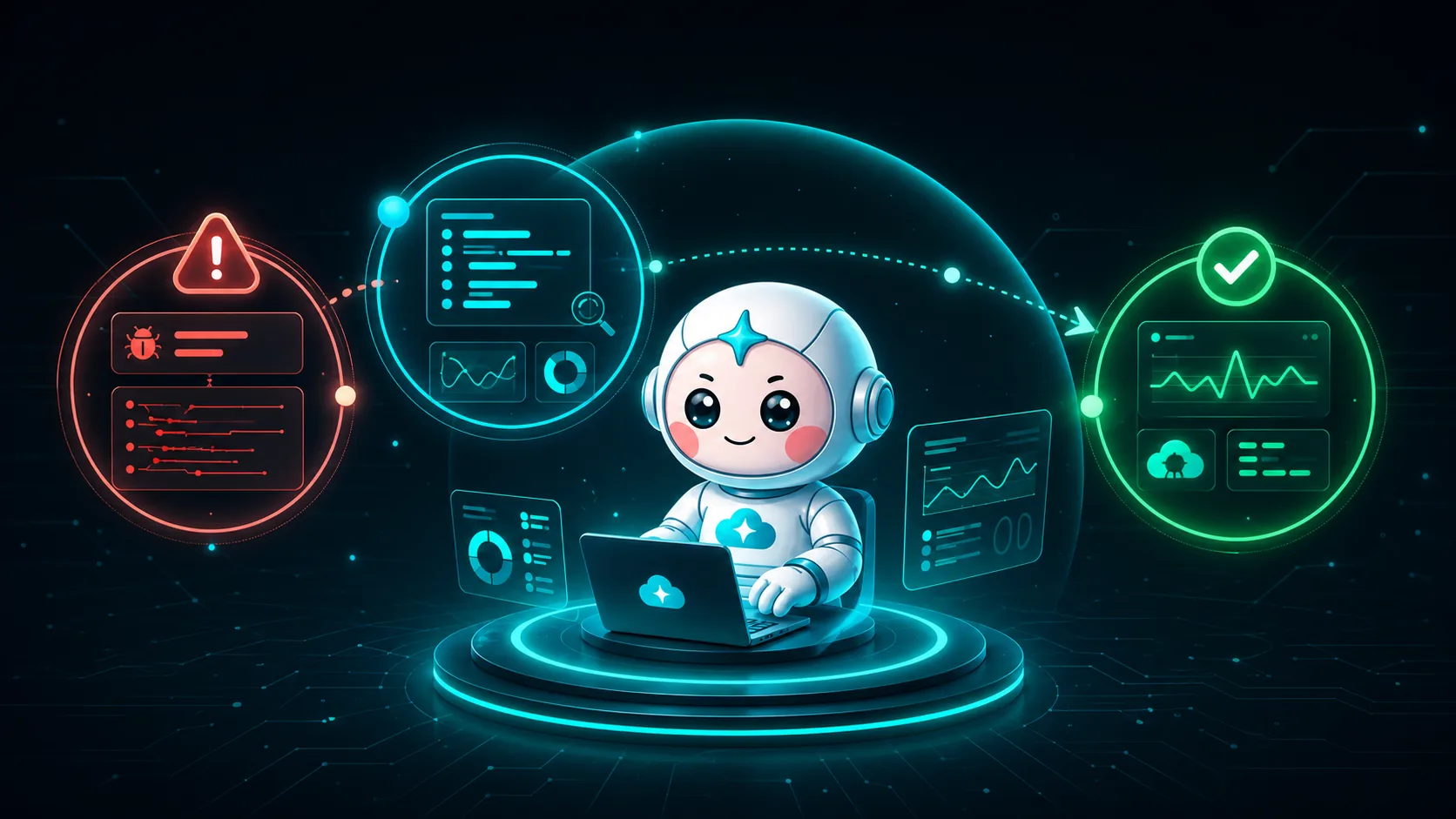
Here is the workflow in three simple steps.
Step 1: Rollbar shows customers what is breaking
When an application throws an exception, Rollbar captures more than a notification. It groups related occurrences into an Item and gives the team the technical context needed to understand the signal:
- the exception message and stack trace;
- the affected environment and code version;
- the number of occurrences and impacted users;
- when the issue first appeared, reactivated, or suddenly spiked;
- the deploy timeline around the first occurrence.
This helps customers find production errors before they become support tickets or major incidents. Instead of searching logs after a user reports a problem, the team can see a new regression minutes after a deploy and understand its likely blast radius.
Rollbar answers the first critical question: What is failing, and how serious is it?
But visibility is not the same as resolution. The Item still needs an engineer to turn that evidence into action.
Step 2: The traditional fix is a manual investigation across tools
Without an automation layer, a new Rollbar Item usually starts a familiar sequence:
- The on-call engineer opens the Item and reads the stack trace.
- They check whether the error is new, reactivated, or simply noisy.
- They compare the first occurrence with recent deploys and code changes.
- They open the repository, inspect the suspect commit, and try to reproduce the failure.
- They check cloud metrics, logs, dependencies, and configuration to rule out infrastructure causes.
- They create a branch, write and test a fix, then open a pull or merge request.
- After deployment, they return to Rollbar to confirm the occurrence rate has fallen before resolving the Item.
Each step is reasonable. The problem is the handoff between them. Evidence is spread across Rollbar, source control, CI/CD, cloud consoles, chat, and ticketing systems. Engineers repeatedly rebuild the same context under pressure, while lower-priority Items wait in the queue.
The result is a gap between mean time to detect and mean time to resolve. Rollbar makes the first one fast. Human coordination still determines the second.
Step 3: CloudThinker automates the path from Item to verified resolution
CloudThinker turns the manual checklist into one connected workflow. After Rollbar, the code repository, and the relevant cloud environment are connected, a new or reactivated Item can trigger the resolution loop automatically.
CloudThinker then:
- Triages the signal. It classifies the Item as a likely regression, dependency failure, infrastructure issue, user-input edge case, or noise — using severity, occurrence rate, affected users, environment, and deploy timing.
- Builds the investigation context. It correlates the stack trace with the deploy that introduced the error, inspects the suspect diff, checks surrounding cloud and service telemetry, and identifies the most likely root cause.
- Selects the safest remediation. Depending on the cause, that may be a rollback, restart, scale event, approved runbook, code patch, configuration change, or a justified triage action in Rollbar. When safe reproduction is possible, CloudThinker validates the hypothesis inside an isolated sandbox first.
- Applies the team's autonomy policy. In Manual mode, the action waits for approval. In Auto mode, pre-approved runbooks and policy matches execute automatically while novel scenarios escalate. In Autonomous mode, agents can choose and execute actions such as scaling, restarting, or rolling back within hard safety guardrails.
- Executes or prepares the change. Operational remediations can run directly at the permitted autonomy level. For a code fix, CloudThinker prepares a focused pull or merge request with the Rollbar Item, suspect commit, reproduction output, tests, and proposed diff linked in one place.
- Verifies the outcome. CloudThinker watches the post-remediation or post-deploy occurrence rate and service health. The Item is resolved only when the production signal returns to the expected baseline; if the issue persists, the investigation reopens with new evidence or escalates to a human.
That is what fully automated resolution means in practice: the investigation, decision, approved remediation, and verification run continuously as one lifecycle. Teams choose the boundary — from human approval on every write, to automatic execution of known runbooks, to autonomous action inside hard guardrails.
The difference is visible at every stage:
- Detect: instead of waiting for an engineer to notice and open an Item, Rollbar triggers the workflow immediately.
- Investigate: instead of searching across stack traces, deploys, code, and cloud tools, the evidence is correlated automatically.
- Fix: instead of reproducing, patching, testing, or running remediation by hand, approved runbooks execute or a tested draft change is prepared.
- Govern: instead of depending on whichever engineer is available, Manual, Auto, and Autonomous modes enforce the team's chosen policy consistently.
- Verify: instead of relying on someone to remember to check Rollbar after deployment, post-change behavior is monitored until the issue is resolved.
The outcome: Rollbar becomes the start of the resolution loop
Rollbar remains the source of truth for production errors. CloudThinker adds the operational layer that carries each actionable Item through investigation, change, and verification.
For customers, that means:
- shorter time from first occurrence to root cause;
- fewer interruptions for repetitive triage;
- smaller Item backlogs and less alert fatigue;
- safer fixes with evidence and approval built into the workflow;
- a complete audit trail from the original error to the verified resolution.
The integration does not replace Rollbar or the engineering team. It lets Rollbar do what it does best — detect and organize production errors — while CloudThinker handles the cross-tool work required to resolve them.
Dive deeper: the Rollbar automation series
This overview follows the complete journey from detection to verified resolution. For the implementation details, continue through our three-part Rollbar automation series:
- Part 1 — Rollbar Automation Starts With Triage: 5 Signals Worth a Human. Learn how to separate new Items, reactivations, and occurrence spikes from the noise before automating anything.
- Part 2 — Rollbar Automation with Native Tools: Deploys, RQL, Webhooks. Build the native workflow with deploy tracking, notification rules, RQL, item statuses, and webhooks.
- Part 3 — Rollbar Automation with AI Agents: From Stack Trace to Named Commit. See how CloudThinker correlates Rollbar signals with code and infrastructure context, identifies root cause, and prepares or executes the appropriate remediation.
Get started
Connect Rollbar to CloudThinker with read-only access first, add the repository and cloud context for one non-production service, and begin in Manual mode. When the team trusts the investigation quality, move known remediation runbooks to Auto. Mature teams can then enable Autonomous mode for selected environments or action classes, with hard guardrails and a complete audit trail still in place.
Read the Rollbar connection guide, explore the full error lifecycle, or try CloudThinker with your next Rollbar Item.